Home / Blog / How to think about mining
Guide · Oct 30, 2026 · 5 min read
Can you change a miner's pool or wallet, and what happens to coins already earned?
Yes, you can change either one, but they are two different settings in two different places. The coins your old pool had already credited stay there until they pass its payout minimum, which can be weeks of a machine's earnings. Here is the order that leaves nothing behind.
Yes, and it is two separate changes
Yes. Nothing ties a miner to the pool or the wallet it started with. But "change it" can mean two different jobs, and mixing them up is how coins end up in the wrong place.
The pool is where the machine sends its work. You set it on the machine itself, where you enter the pool URL, username, and password on the device, as f2pool puts it. The wallet is where the pool sends your payouts. You set it in your pool account, not on the machine: f2pool says "you can add or change your payout address in your Payout Settings".
So the machine never needs to know your wallet. It knows a pool and an account name, and the pool knows the wallet. If you are new to the pieces, what a mining pool is and what a wallet address is explain each one first.
The pool is where the work goes. The wallet is where the pay goes. They are changed in different places.
Changing the wallet is a setting at the pool
To pay a new address, you open the payout settings in your pool account, paste the new address and save. Luxor keeps these settings per subaccount, including the wallet address and the minimum payout, so a pool account with several subaccounts can pay several wallets.
Expect a pause. After a change to the payment settings, Luxor says "subaccount funds will be temporarily frozen for 24 hours as a security measure". It is a safety step, not a fault, and it means you should not change the address the day before you need a payout.
A new address changes where the next payout goes. It moves nothing that was already sent. Coins paid to the old address are still at the old address, and the recovery phrase for that old wallet still controls them. Keep that phrase safe for as long as any coin sits there.
Changing the pool is a setting on the machine
On the machine's own settings page there are three fields: the pool's address, a user name and a password. At Luxor the user name takes the form "LuxorSubaccount.WorkerName", and the setup page says "WorkerName is the unique identifier for each of your ASICs, and how they will show up in the UI". At f2pool it is accountname.workername, and the worker name is optional but recommended.
Create the account at the new pool first. Luxor is direct about the order: "It is important to create your Subaccount first before sending any hashrate towards it." Once the machine points at it, Luxor says workers should appear "within roughly 5 minutes".
Two mistakes are common. The first is pasting a wallet address into the pool address field: ViaBTC's guide to moving machines between pools says "Do not paste a wallet address into a Stratum URL field." The second is thinking the worker name sets the payout. It does not: ViaBTC says "Do not assume that changing a worker name updates a payout destination", and its worker name explainer calls the name's role "identification and tracking".
Coins already earned stay with the old pool until they are paid
This is the part people do not expect. A pool account is where your rewards are credited. Luxor describes a subaccount as "where you are credited your mining rewards and where your mining statistics are recorded". Point the machine somewhere else and the new rewards are credited there. What the old account had already credited does not follow the machine.
It is not lost. It is waiting, and it is paid out the way every payout is, once it passes the minimum. Luxor requires "a balance exceeding the minimum withdrawal threshold plus associated withdrawal fees", which for bitcoin is 0.001 BTC plus a flat 0.000075 BTC fee. f2pool lets you pick "0.005 (default) / 0.01 / 0.05 / 1 / 5 BTC" and then pays "within 24 hours".
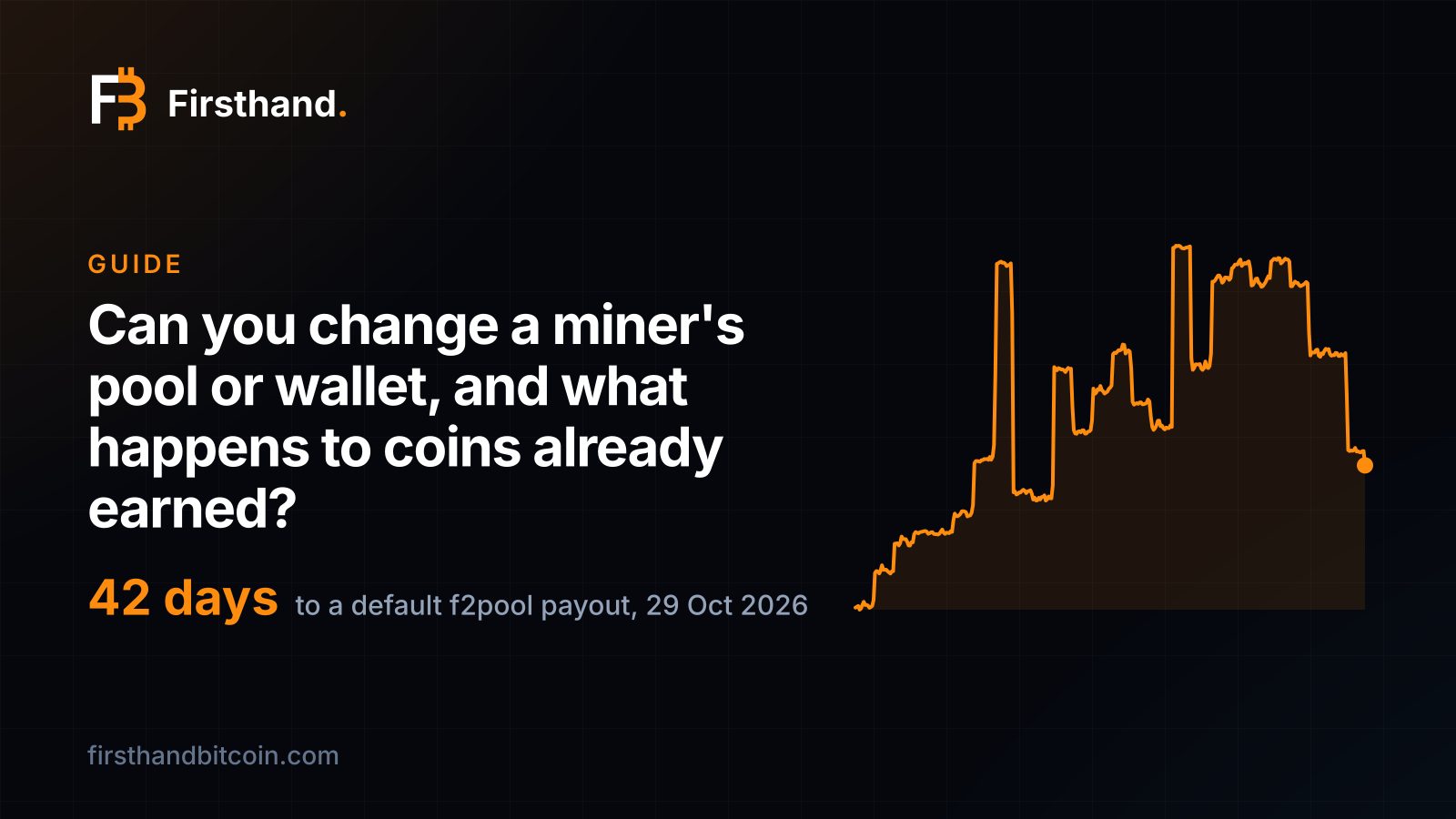
What that waiting is worth depends on the machine. On 29 October 2026 one petahash earned 0.00044533 bitcoin on our hashprice chart, so a 270 TH/s Antminer S21 XP, which is 0.27 petahash, earned about 0.00012 bitcoin a day before the pool's fee. At that rate Luxor's 0.001075 takes about 9 days to build and f2pool's default 0.005 takes about 42 days. The worst case is a balance just short of the line: about $87 at Luxor and about $406 at f2pool, at the 29 October close of $81,275, still sitting on the old account.
A switch in five steps
ViaBTC's advice is to "treat the migration as an operational change", and that is the right frame. Do it in this order.
Step 1: write down what you have now. The old pool's address, the account and worker names, the hashrate you normally see and the payout settings. If something goes wrong, that record is how you go back.
Step 2: set up the new account and its payout address first. Paste the wallet address, then compare the first six and last six characters with the wallet. Do this before any machine moves, so a payout never has nowhere to go.
Step 3: move one machine. ViaBTC is plain that "a successful network connection alone is not enough": you want to see accepted shares attributed to the account and label you intended.
Step 4: give the dashboard time. A new pool's hashrate settles only after its normal averaging. Look again after an hour and again the next day before you judge it.
Step 5: move the rest, then watch the first payout. Move the remaining machines in manageable batches, and open the first payout in the new wallet to confirm the address is right.
Pick the day well. If you can, switch right after a payout from the old pool lands, because that is when the balance left behind is smallest. Luxor pays daily, weekly or monthly, "shortly after 04:00 UTC", so on a daily schedule there is hardly anything to leave.
If your machine is hosted
With hosting, you choose the pool and the wallet, and the pool pays your wallet directly. The hosting walkthrough covers the set-up. On a hosted machine the change may have to be made at the site, so ask three things before you need it: how you request the change, who makes it and how soon, and how long the machine will be off work while it happens.
That last one is worth a question. Every hour a machine is not hashing is an hour it is not paid, which is the same arithmetic as uptime. A change that takes minutes costs almost nothing. One that waits for a site visit next week does not.
What it means for a miner
The wallet is the part that matters, because it is where the coins you keep end up. Point it at an address whose recovery phrase you hold, and change it only to another one you hold. The pool is plumbing: switch it when another pool's payout rules or fees suit you better, which how pools pay helps you judge.
Either change is small if you do it in order: new account and address first, one machine as a test, the rest once the shares are accepted. The only coins ever at risk in a switch are the ones you forget on the old account, and a payout threshold tells you exactly how many that can be.
Sources and further reading
- Revenue & Payments — Luxor documentation, opened 30 Oct 2026
- Mining getting started — Luxor documentation, opened 30 Oct 2026
- How to mine Bitcoin — f2pool, opened 30 Oct 2026
- What to Prepare Before Moving ASIC Workers to a New Mining Pool — ViaBTC, 31 Aug 2026
- Mining Pool Worker Name Explained — ViaBTC, 20 Jul 2026
Disclosure
Firsthand Bitcoin sells and hosts mining hardware, including this machine. No manufacturer, distributor or affiliate programme paid for or reviewed this page and we take no commission on the links above. Historical figures are computed from daily bitcoin price and network hashprice, each day valued at its own prices. Nothing here is investment advice.